Employee Management
The employee tab functions similarly to the task tab, offering a table with employees and their characteristics.
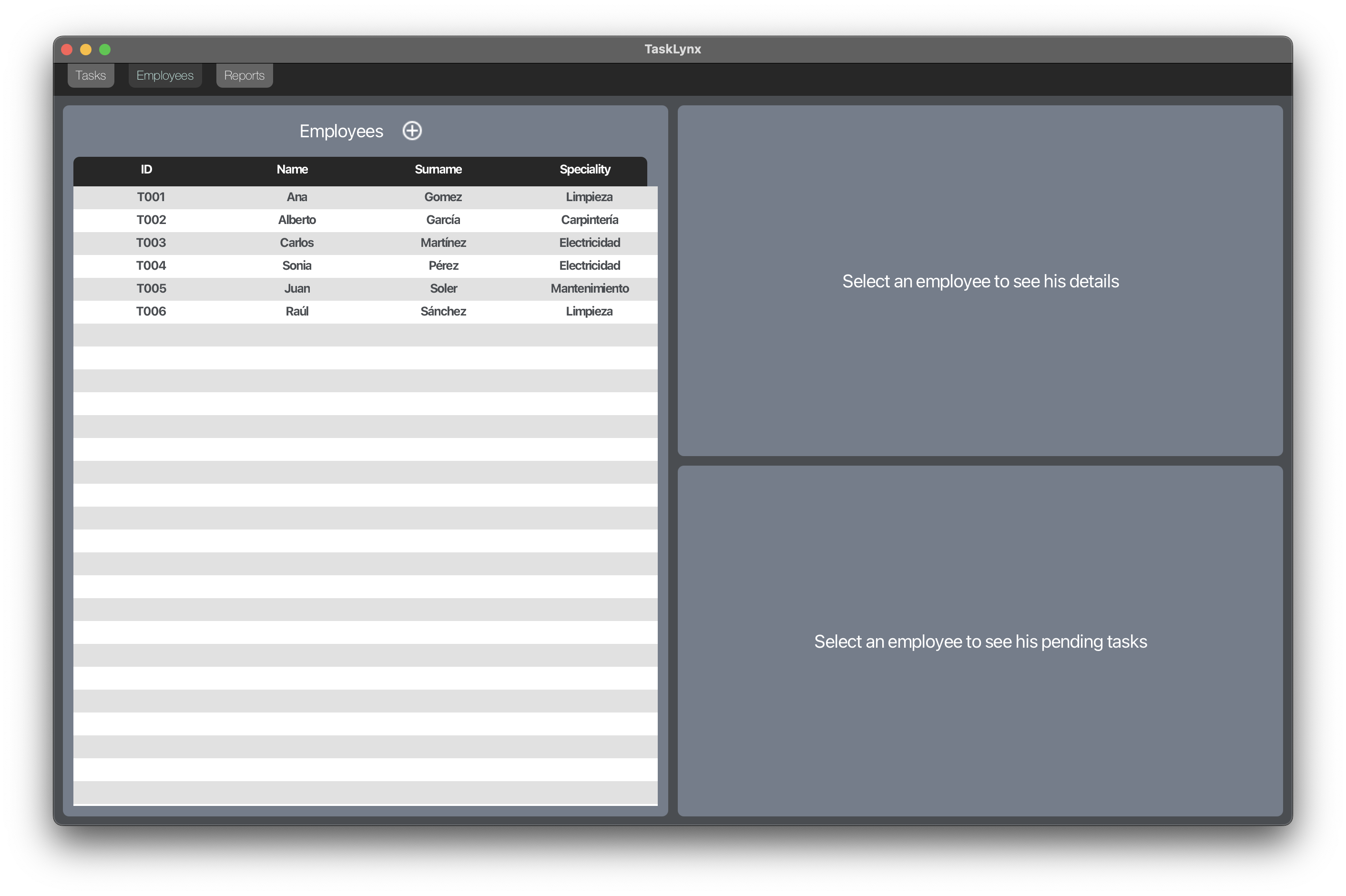
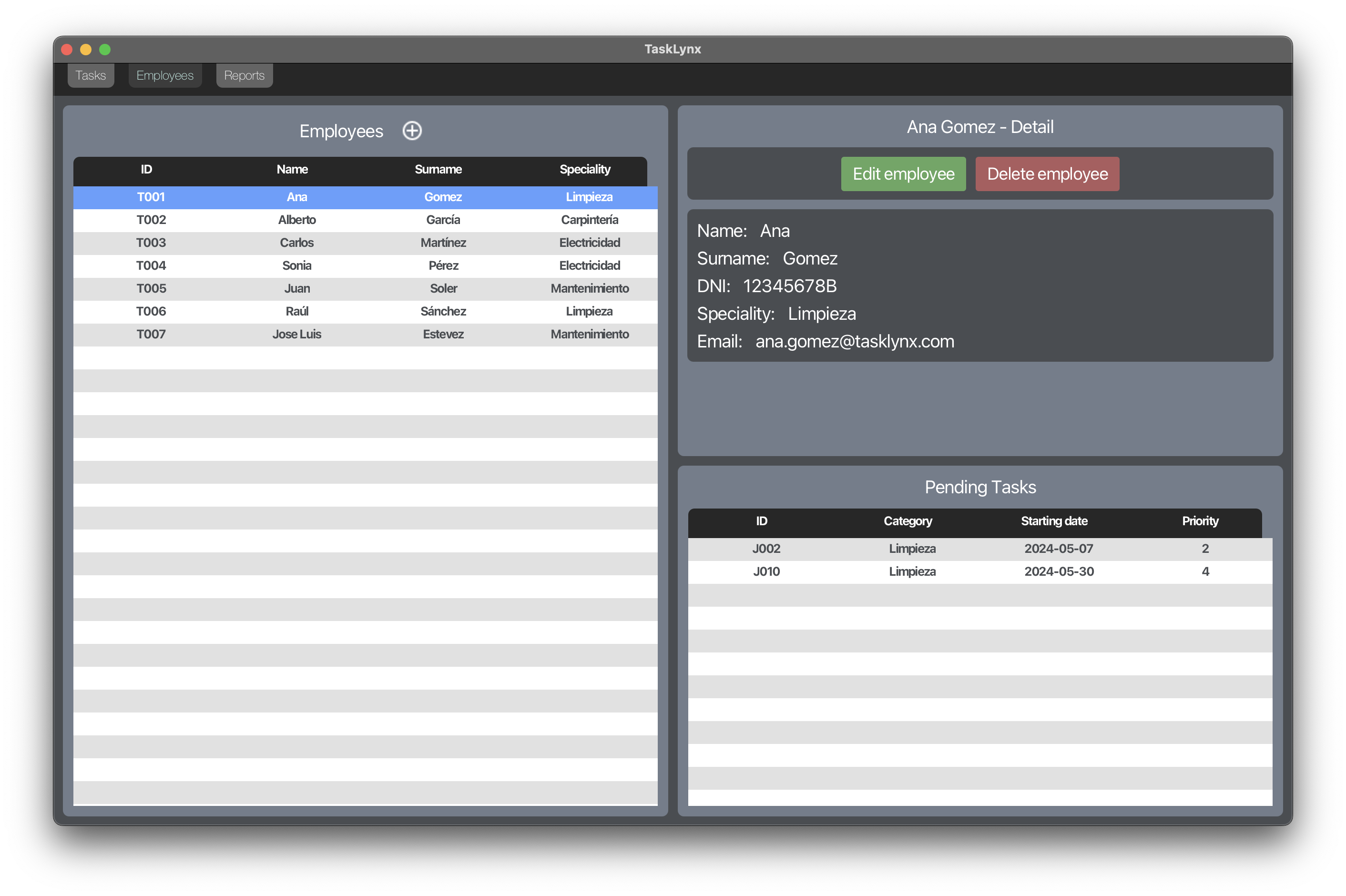
Clicking on an employee shows their specific details.
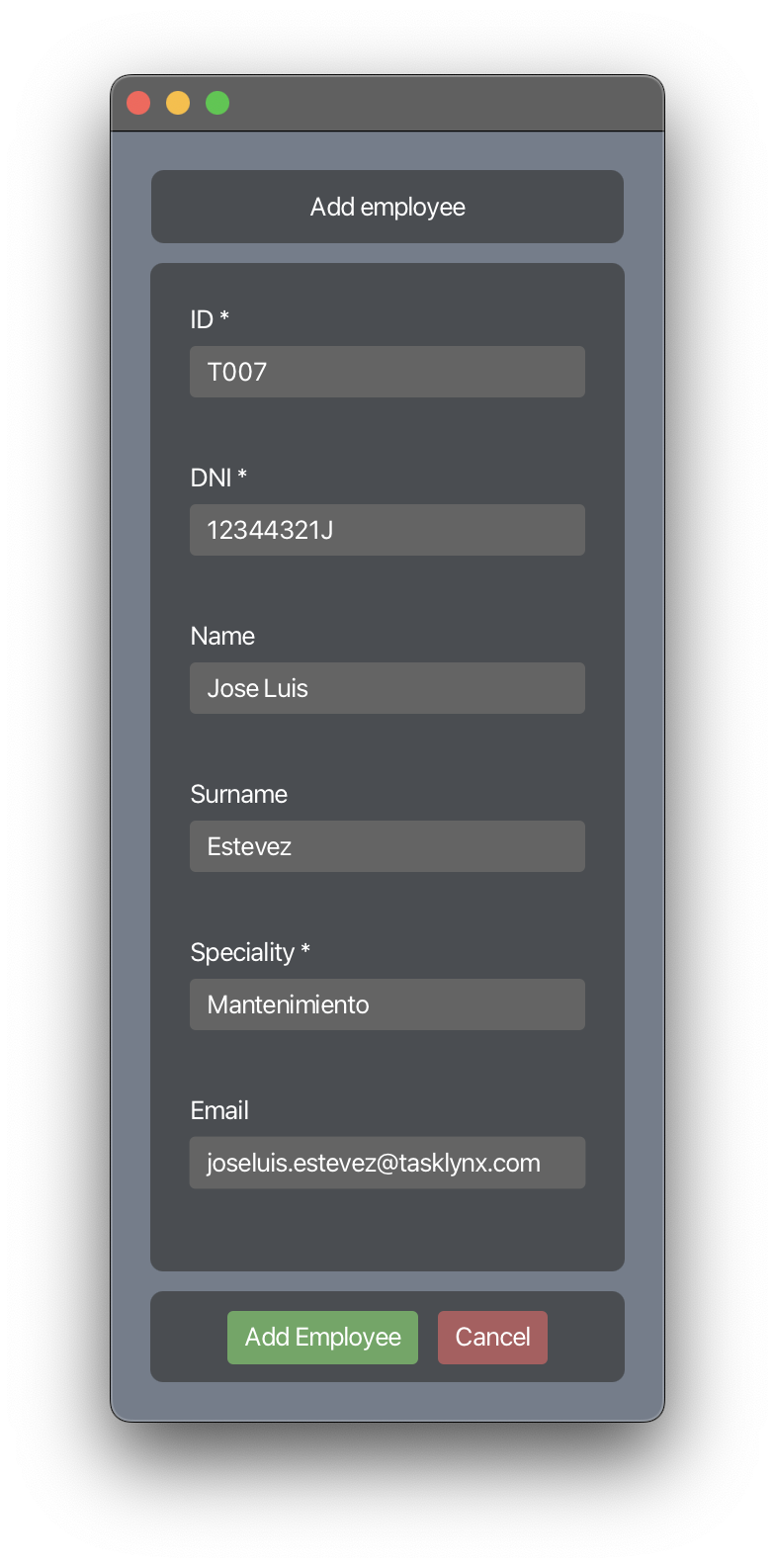
Add Employee: The "+" button allows adding a new employee, opening a modal window to enter the necessary details.
Successful insertion is confirmed
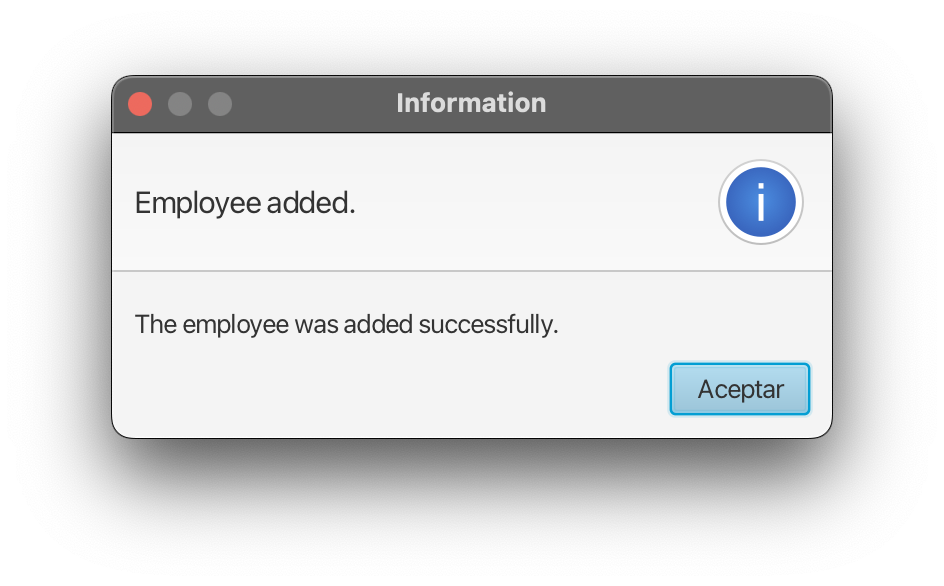
and the new employee appears in the table.

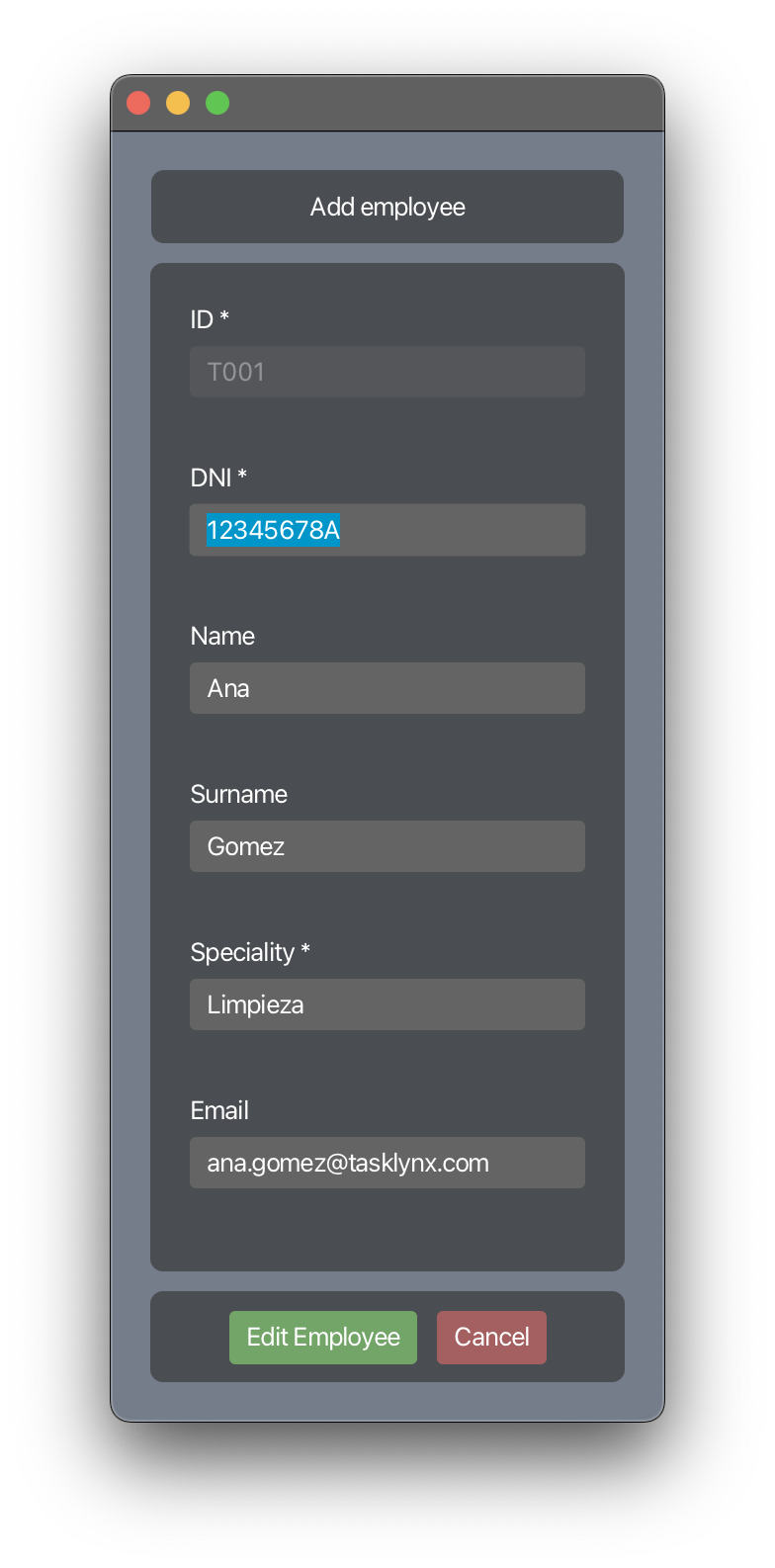
Edit and Delete Employees: Employee details can be edited via a modal window
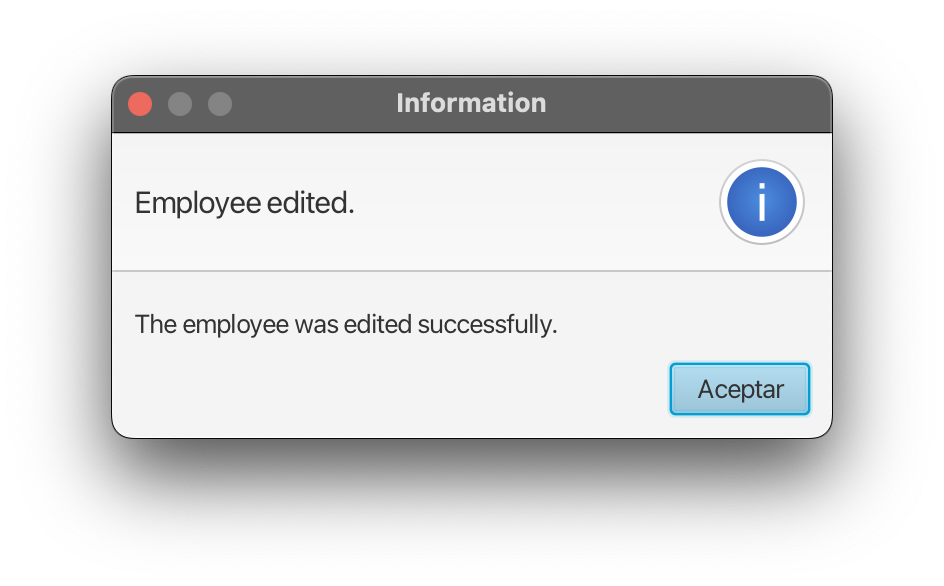
and any successful change is notified by the system
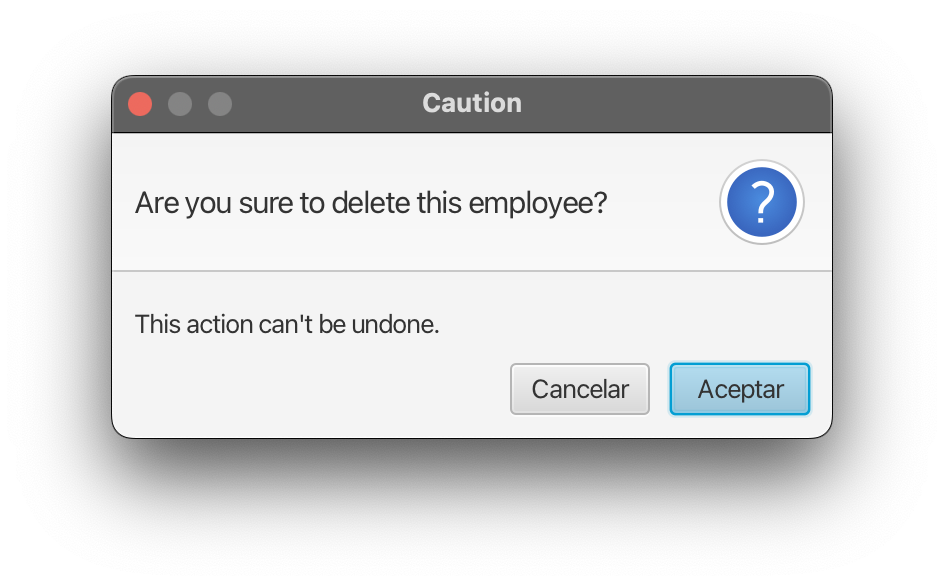
Employees can also be deleted after system confirmation.
Last modified: 30 May 2024