Report Generation
The report tab displays a table with a list of completed tasks.
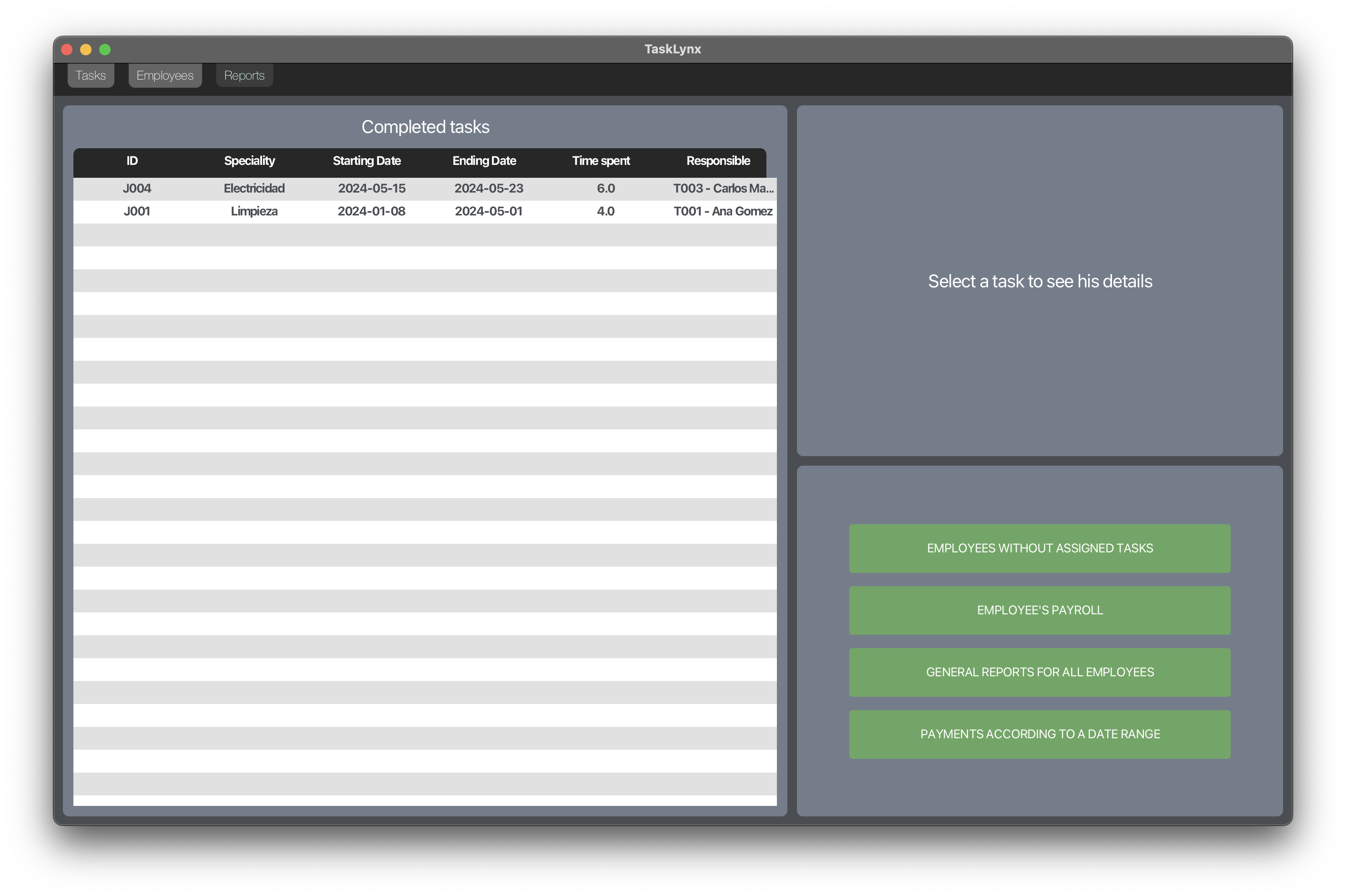
Clicking on a task reveals its details, and various reports can be generated using the buttons located to the right of the window.
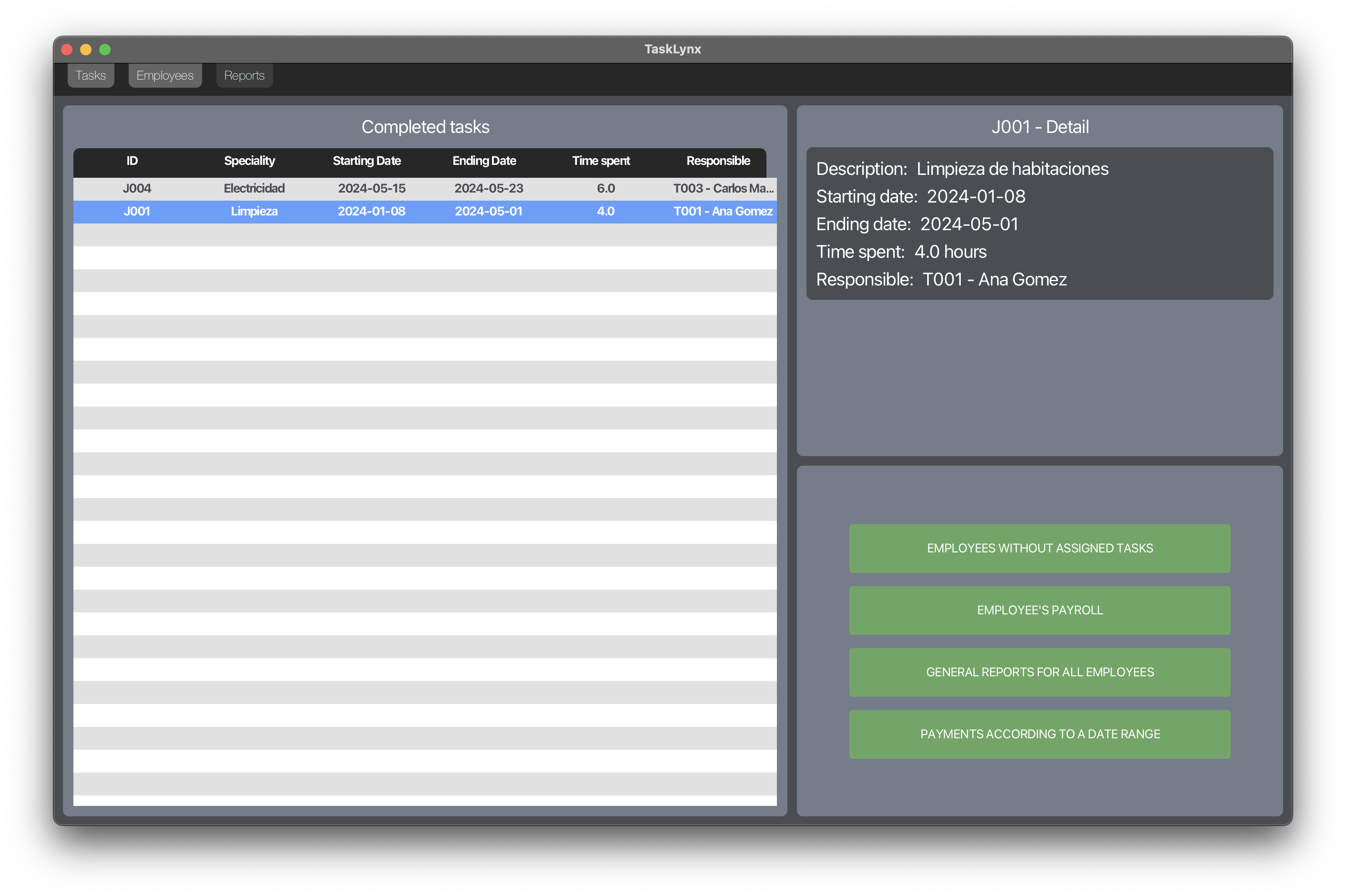
Available Reports
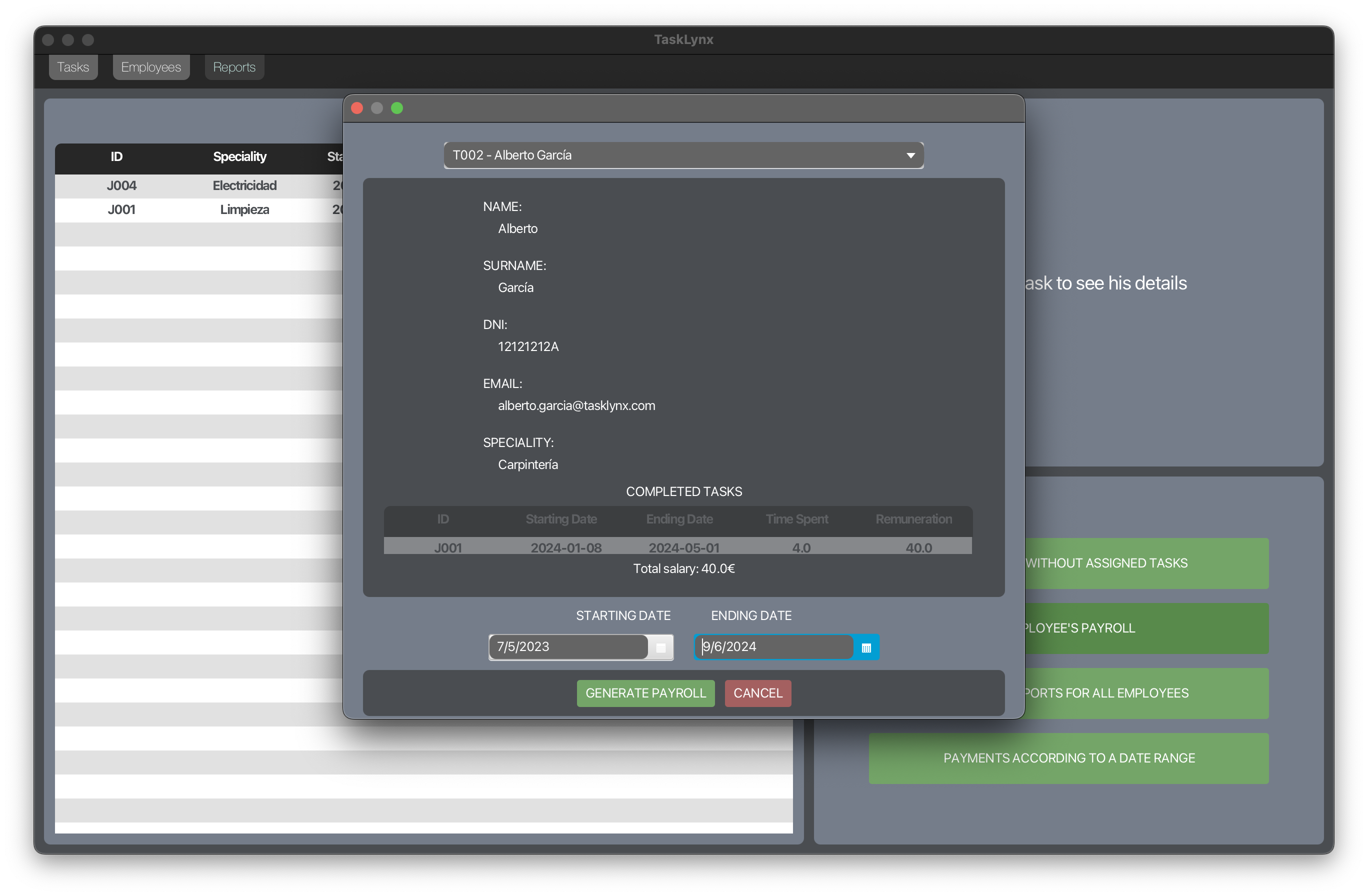
Payroll reports can be generated by selecting an employee and a specific date range.
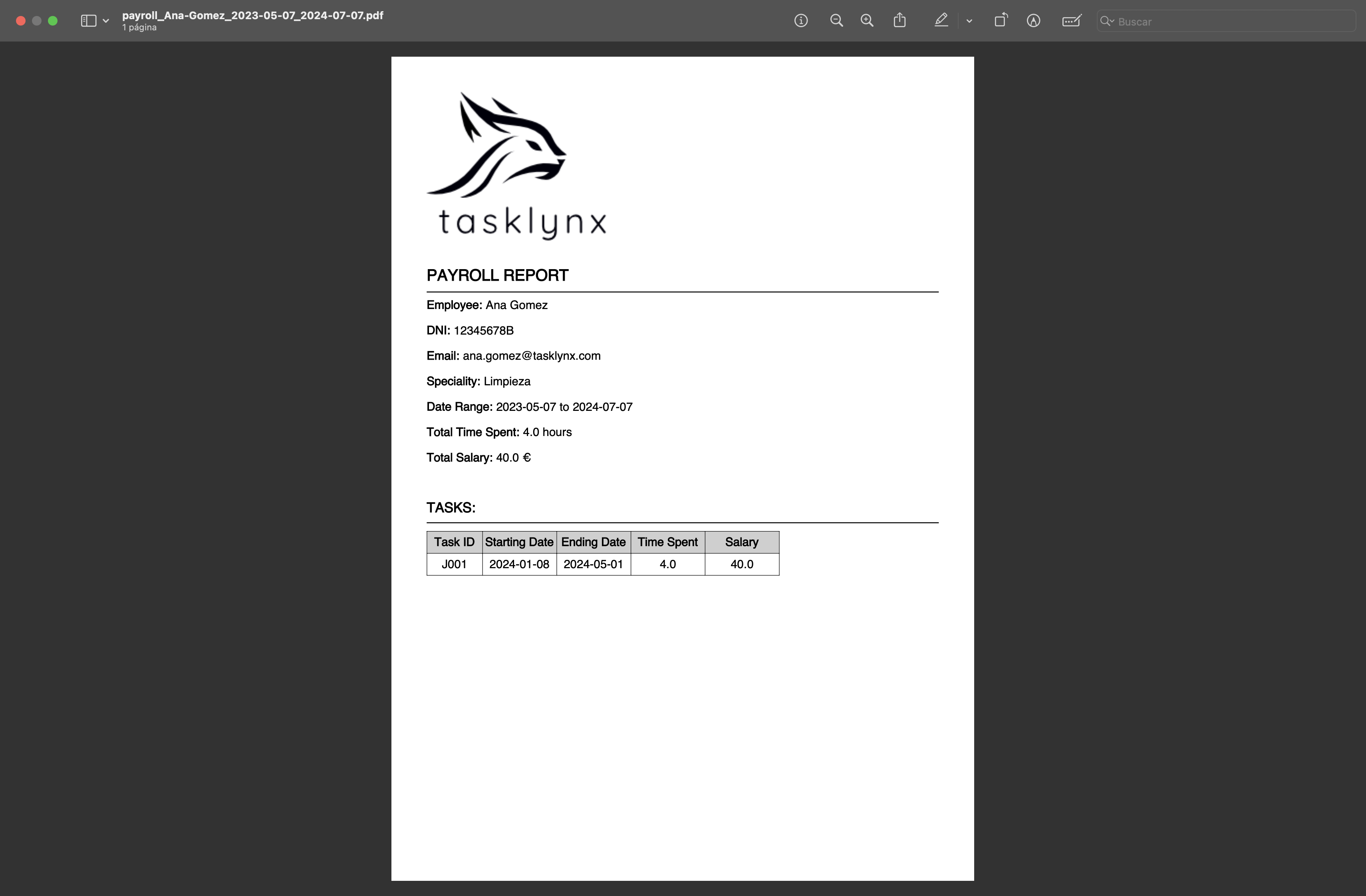
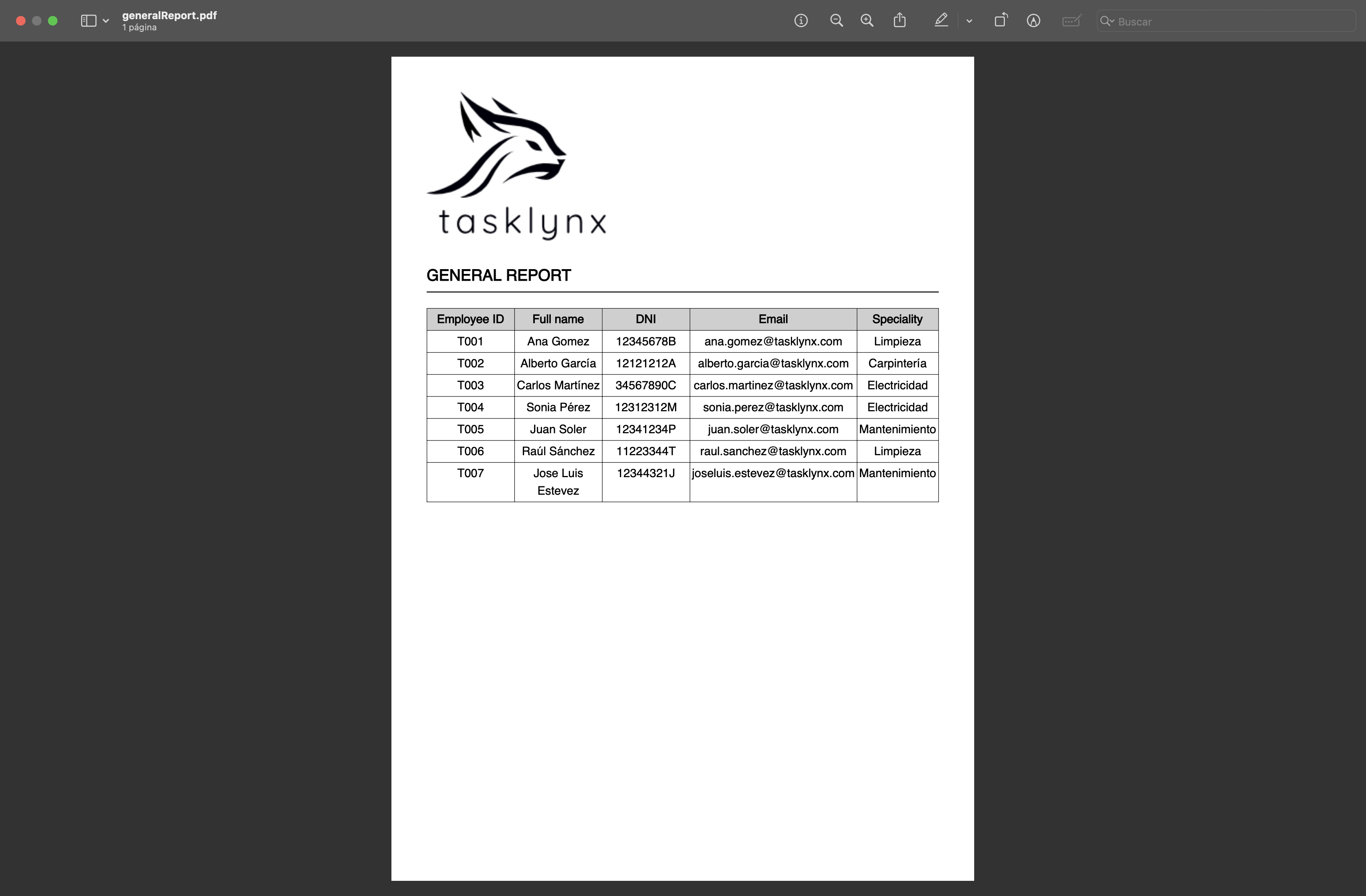
General reports for all employees
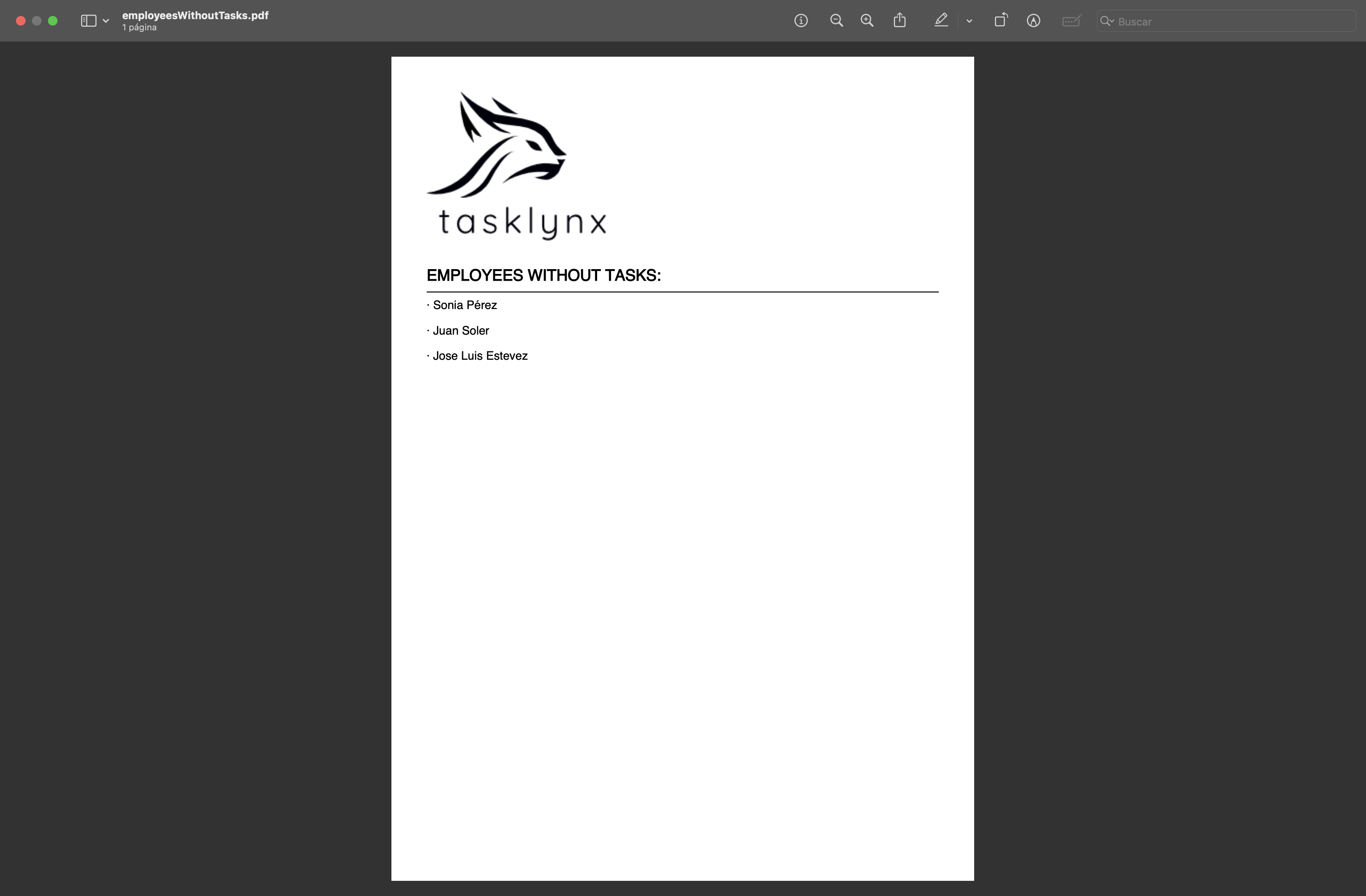
Lists of employees without assigned tasks
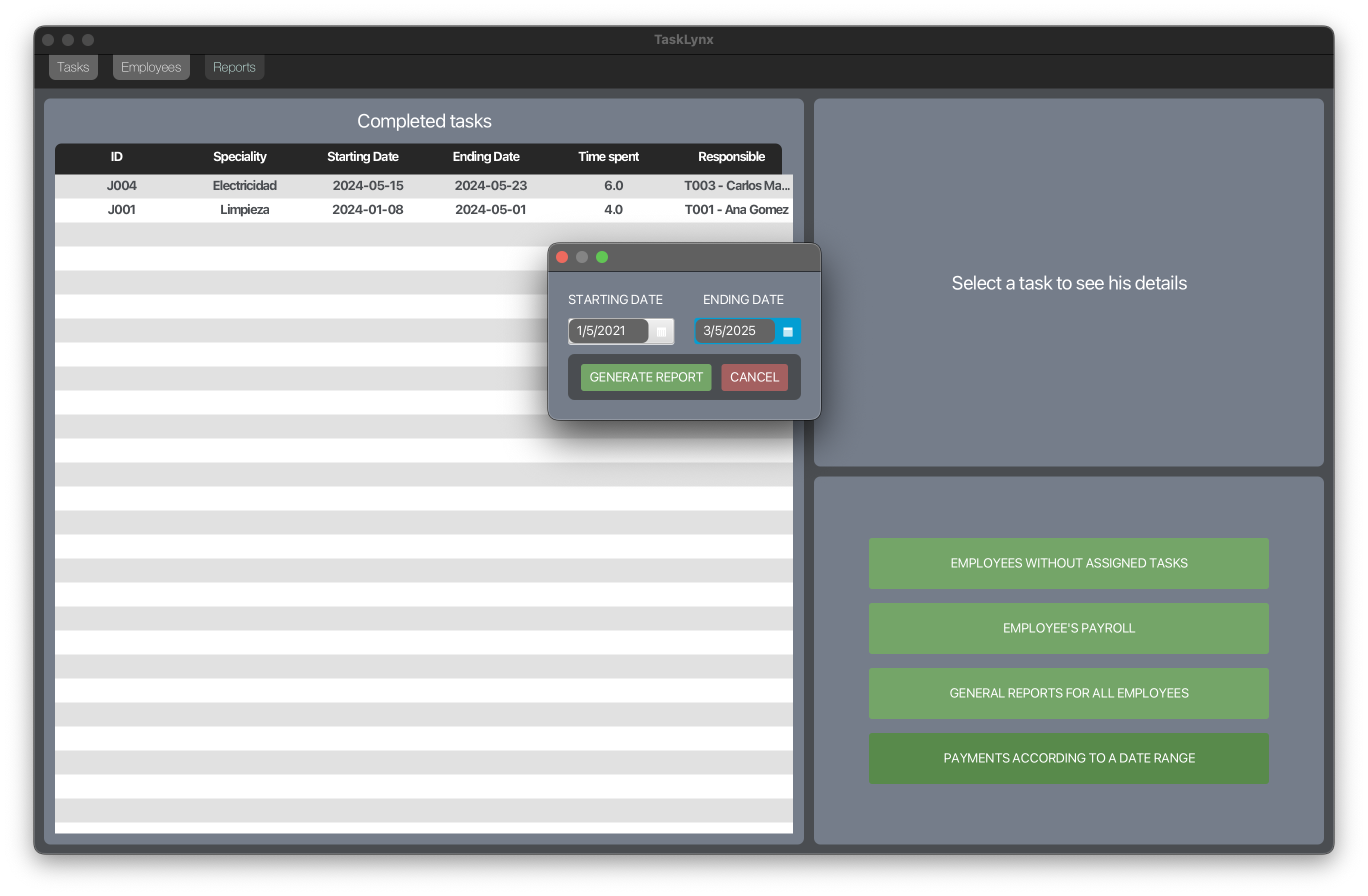
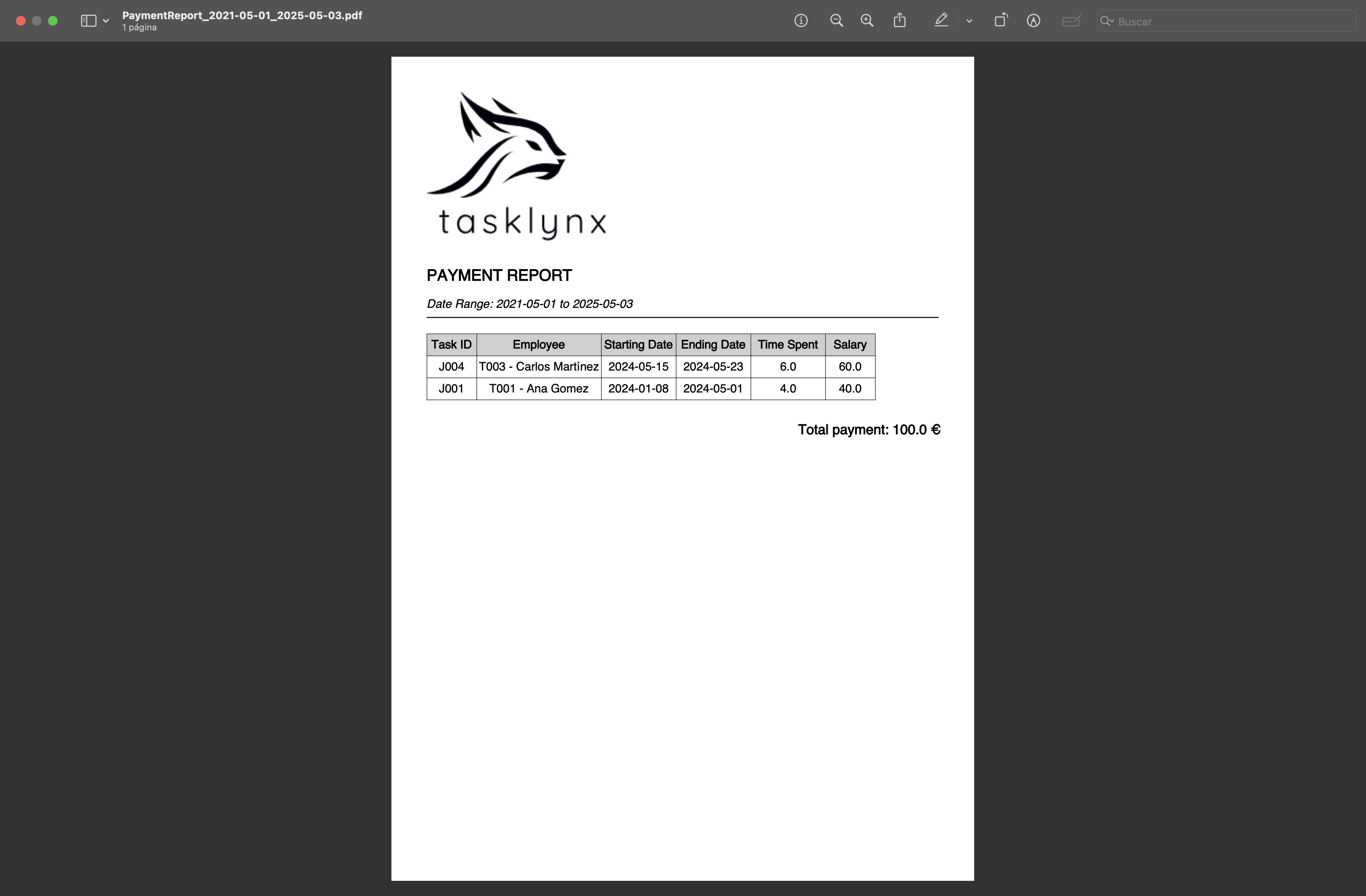
Payment reports for workers between two specific dates can also be generated.
Last modified: 30 May 2024